How Jeepno Order Scan Helps You Review Risky Orders
Learn how Jeepno Order Scan checks repeat-order signals, calculates combined risk and gives stores practical blacklist controls.
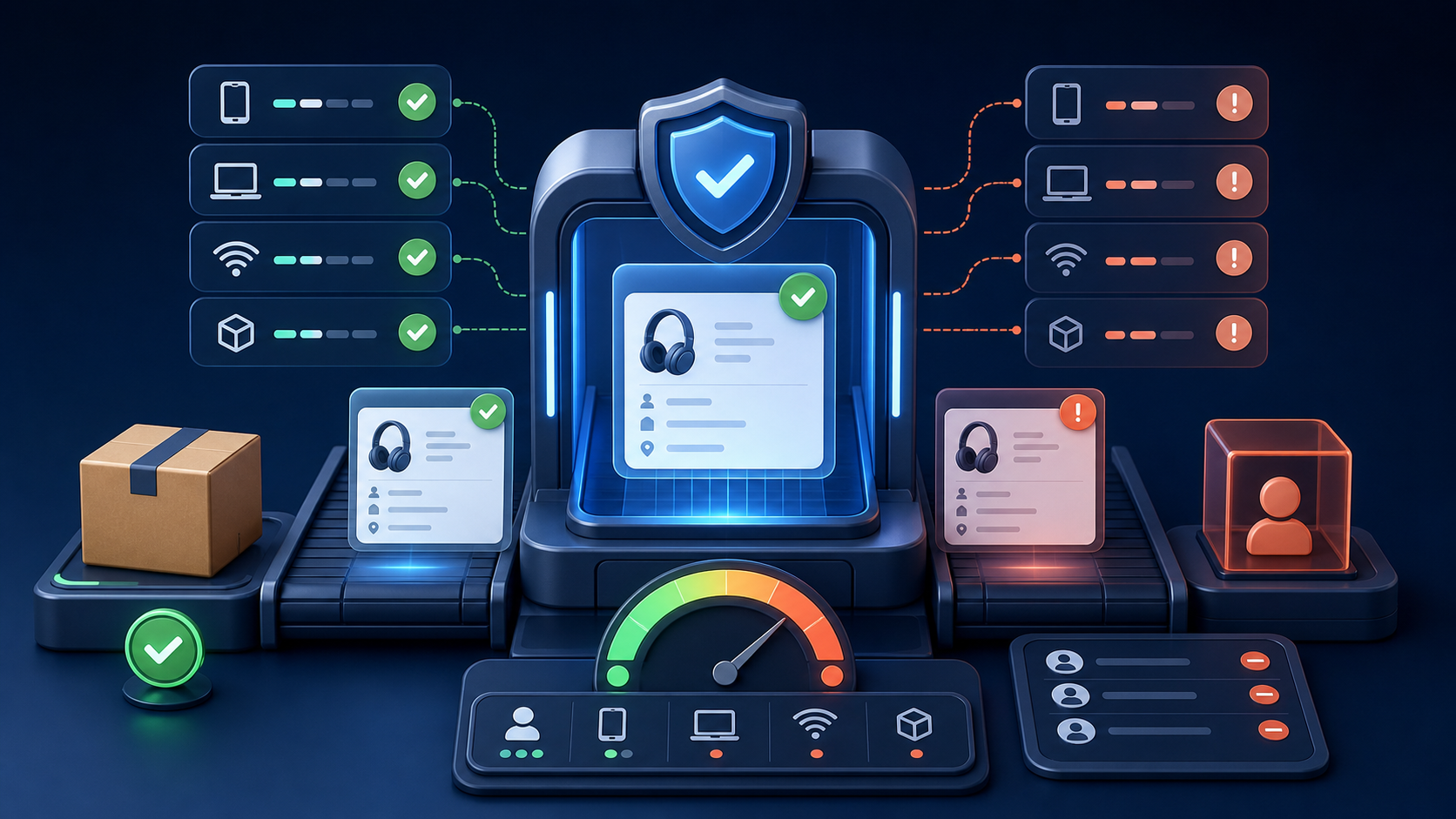
Every online store wants more orders, but not every order carries the same level of confidence. Repeated submissions, suspicious devices or known problematic details can create avoidable verification work and fulfillment costs. Jeepno Order Scan gives store teams a structured way to review those signals before acting.
The plugin is a decision-support tool rather than a promise that every risky order will be detected. It brings useful evidence together so the business can apply its own review policy more consistently.
What is the Jeepno Order Scan plugin?
Order Scan is an order-review and risk-control plugin inside the Jeepno store dashboard. It examines recent order activity associated with phone numbers, devices, IP addresses and repeated products. Store owners can configure limits, combine signals into a risk score and maintain a manual blacklist.
Phone-based daily order limits
A store can set the maximum number of orders allowed from one phone number in a day. This helps identify rapid repeat submissions while keeping the rule under the store owner's control. The feature can be switched on or off, and the customer-facing title and message are customizable.
Device-based repeat-order checks
Phone numbers can change, but repeated activity from the same device may still be relevant. Order Scan can compare device identifiers and apply a configurable daily limit. This gives the review process another signal instead of relying on one piece of information.
IP-address order limits
The plugin can also count orders originating from the same IP address during the day. A store may set its own threshold or disable the limit by using zero. Because multiple legitimate customers can sometimes share a network, this signal is most useful when considered alongside other evidence.
Combined risk scoring
Order Scan can combine phone, device, IP and repeated-product signals into a risk score. The store selects a threshold between 1 and 100; the interface recommends 70 as a balanced starting point. A higher threshold is more selective, while a lower threshold flags more orders for attention.
For example, the same phone number alone may not be enough to classify an order as high risk. When that phone also appears with the same IP and product, the combined evidence can cross the store's configured threshold.
Manual blacklist controls
Store teams can add a phone number, IP address or device ID to a manual blacklist, include an internal note and remove it later when appropriate. Blacklist entries are scoped to the store, and authorized users can add an item directly from the Order Scan dashboard for faster follow-up.
Searchable order-review dashboard
The Order Scan dashboard presents recent orders with customer, phone, address, payment, amount, status, device, IP and product context. Search and pagination help teams investigate a specific order or signal without working through an unstructured list.
Custom rules and customer messages
Risk policies differ between businesses. Order Scan therefore allows the store to configure thresholds and the popup messages shown for phone, device, IP and combined-risk rules. Saved changes apply to future orders, giving the business a clear and adjustable policy.
How Order Scan benefits a growing store
- Creates a repeatable checkpoint before fulfillment.
- Brings several order signals into one review workflow.
- Reduces time spent manually comparing recent submissions.
- Lets the store control thresholds instead of accepting a fixed rule.
- Supports store-specific blacklists and internal notes.
- Helps authorized team members share a consistent review process.
Use risk signals responsibly
An IP address, shared device or repeat phone number does not automatically prove fraud. Businesses should use the plugin's output as an indicator, review the surrounding order details and follow applicable privacy and customer-service requirements. The best outcome is a faster, fairer verification process—not automatic rejection without context.
Who should use Order Scan?
Order Scan is useful for stores handling cash-on-delivery orders, repeat-order abuse or frequent manual verification. It becomes more valuable as order volume grows and the team needs a consistent way to decide which orders deserve extra attention.