Simplify Parcel Operations with Jeepno Auto Courier
See how Jeepno Auto Courier connects courier accounts, parcel creation, pickup information and shipment history with store operations.
Moving an order from confirmation to delivery often requires copying customer, address and parcel information into a courier portal. As volume grows, that repetitive work takes time and creates more opportunities for mistakes. Jeepno Auto Courier brings courier-account and parcel operations into the store dashboard.
What is the Jeepno Auto Courier plugin?
Auto Courier is a fulfillment integration plugin for configuring courier connections and creating parcel requests from store orders. It provides dedicated areas for courier accounts, parcel entry, courier settings and shipment history.
Configure store-owned courier accounts
A business adds its own courier connection, including the courier identity, API base URL, credentials and pickup details required by that provider. Accounts can be active or inactive, allowing a store to manage multiple configurations without treating every connection as permanently enabled.
Keep pickup information organized
Courier setup can retain pickup name, phone, address and related account details. Centralizing this information reduces repeated entry when the same dispatch location is used for many parcels.
Create parcels from store operations
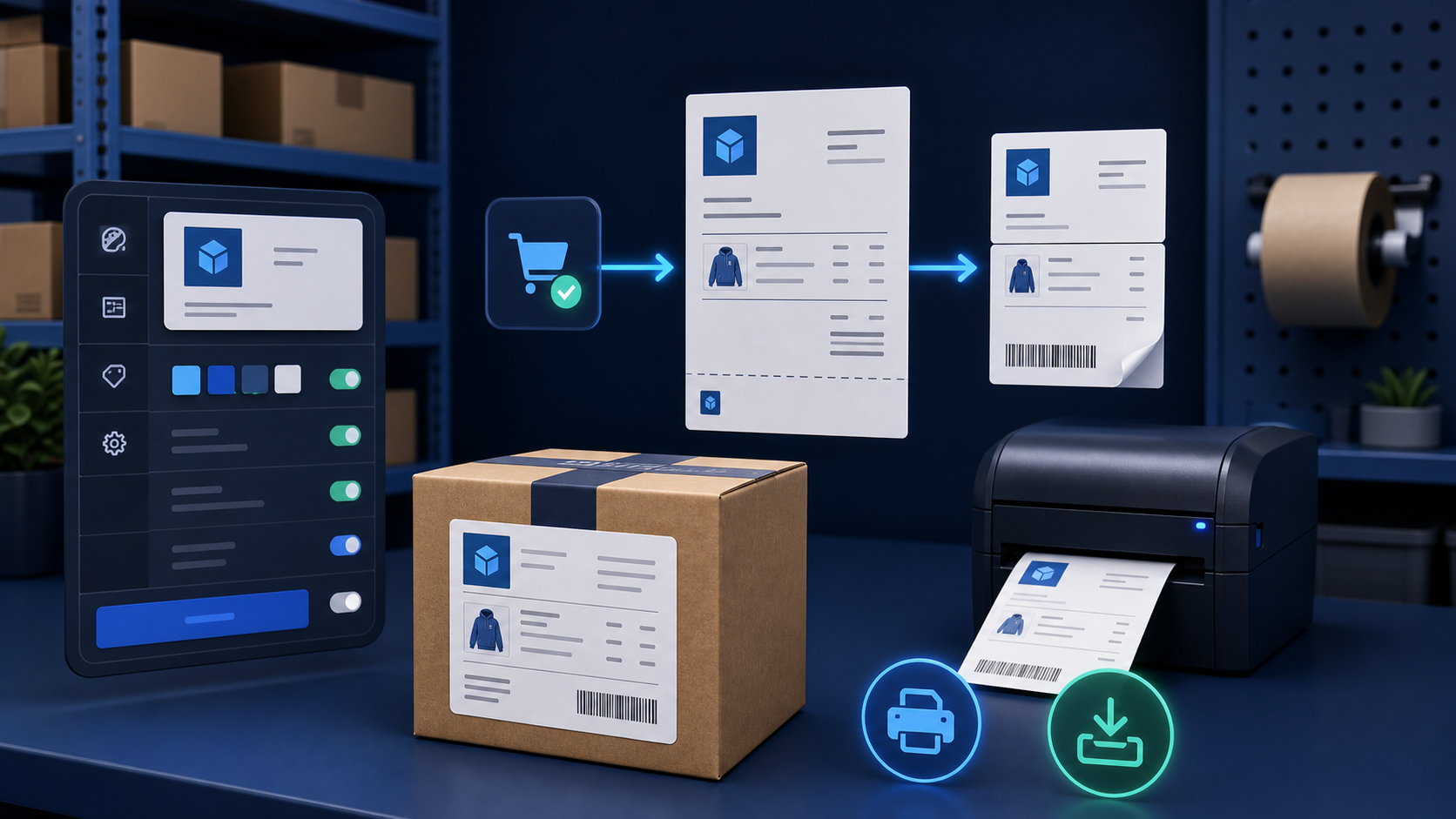
The plugin includes parcel-creation workflows that use order and customer information available in Jeepno. This helps reduce manual copy-and-paste work between the order screen and the selected courier service.
Quick parcel entry when needed
Not every shipment begins through the same path. Auto Courier includes a quick parcel-entry option for teams that need to create or submit a parcel directly from the dashboard.
Review courier history
The courier-history workspace gives the store a place to review submitted shipments and relevant delivery responses. A shared operational record makes follow-up easier than relying only on a separate courier tab or personal notes.
Manage several courier connections
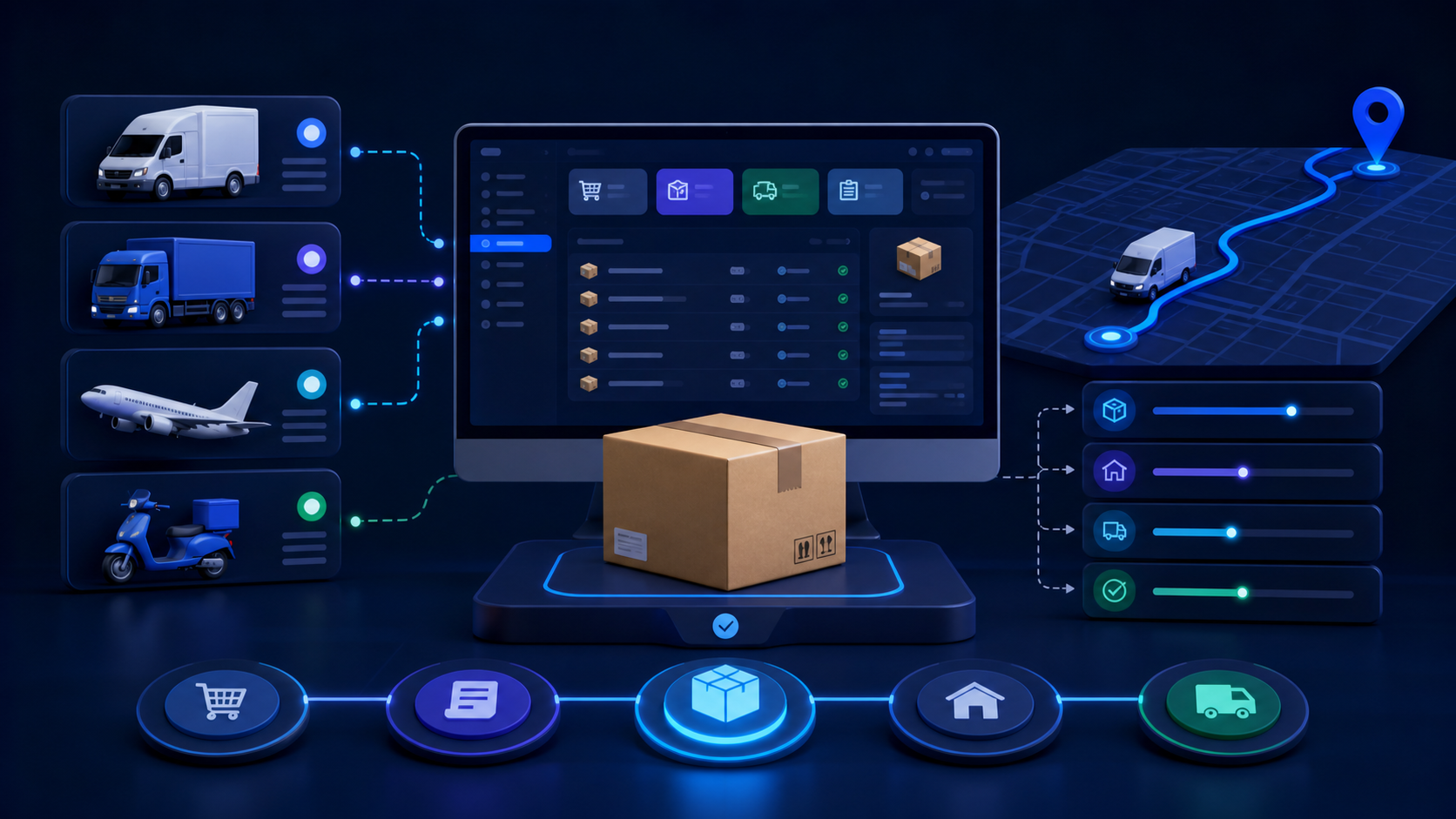
The Courier Accounts page lists configured providers and summarizes active and inactive connections. Store owners can add, edit or remove an account as their delivery workflow changes.
How Auto Courier benefits a store
- Reduces repeated entry of order and customer details.
- Keeps courier credentials and pickup configuration store-specific.
- Supports multiple active or inactive courier accounts.
- Provides normal and quick parcel-creation paths.
- Brings courier history closer to the order workflow.
- Helps teams follow a more consistent fulfillment process.
What the store still controls
Auto Courier does not replace a courier service. The store must open and maintain its provider account, supply valid credentials, follow the courier's API and service rules, and pay applicable delivery charges. Service availability and delivery status depend on the selected courier provider.
Who should use Auto Courier?
The plugin is useful for stores that dispatch parcels regularly and want fewer manual steps between an order and the courier booking process. It becomes especially valuable when a team uses more than one courier account or needs a shared shipment history.